

MontageMaxxer · actual beta capture
See the real controls.
Then use them.
These are captures from the working MontageMaxxer editor — not a concept screen. See where the clips, title tools, song choices, and timeline decisions actually live before you download the beta.
This preview stays read-only. The download gives you a local Windows editor where your clips stay on your own PC.
One real workflow.
Load the footage. Place the title. Pick the song. Shape the timeline. Then render on your own Windows PC.
01 · Start here
The actual editor,
in the actual workflow.
The first view shows the product doing its job: your media and layers on the left, a real clip preview in the middle, and the build controls on the right. Nothing here is a decorative stand-in for the app.
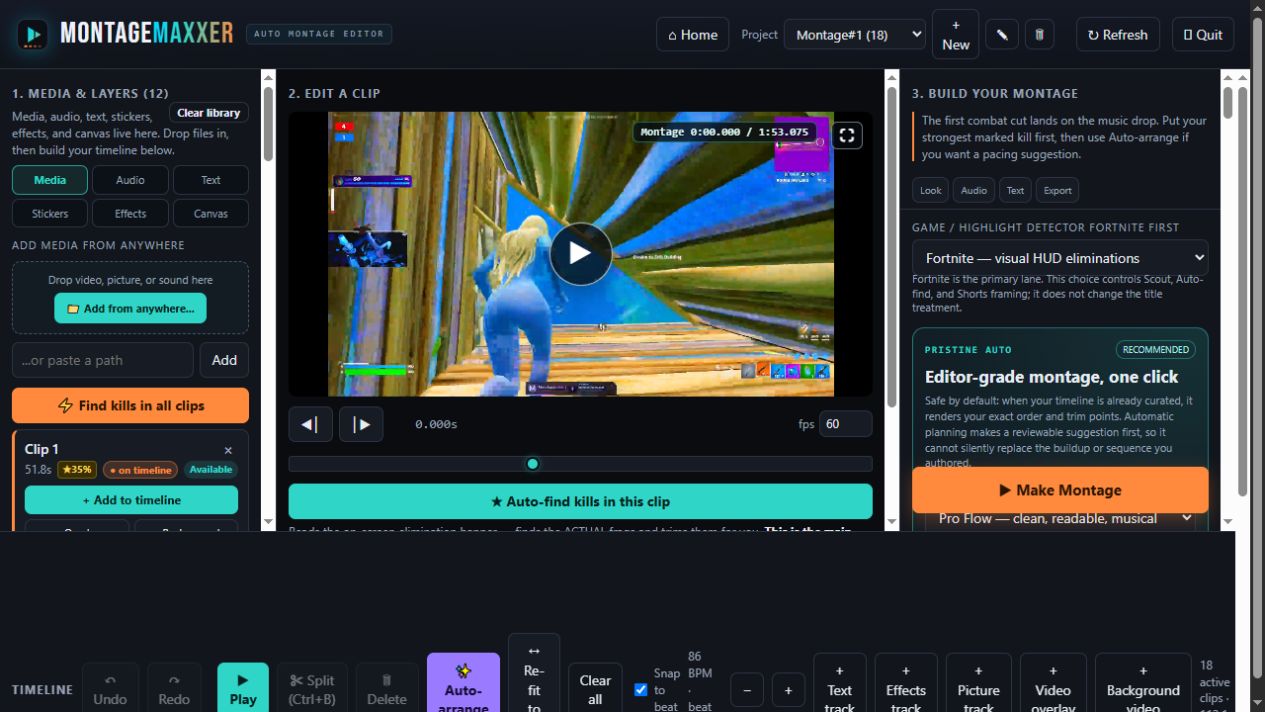
EDITOR OVERVIEW / ACTUAL BETA
Load, preview, build.
Start from the footage you already have. The editor keeps the clip preview and the montage workflow visible together.
02 · The controls
The decisions
stay yours.
Each frame below is a different real state of the editor. The labels explain what to look for without pretending the website itself is the app.
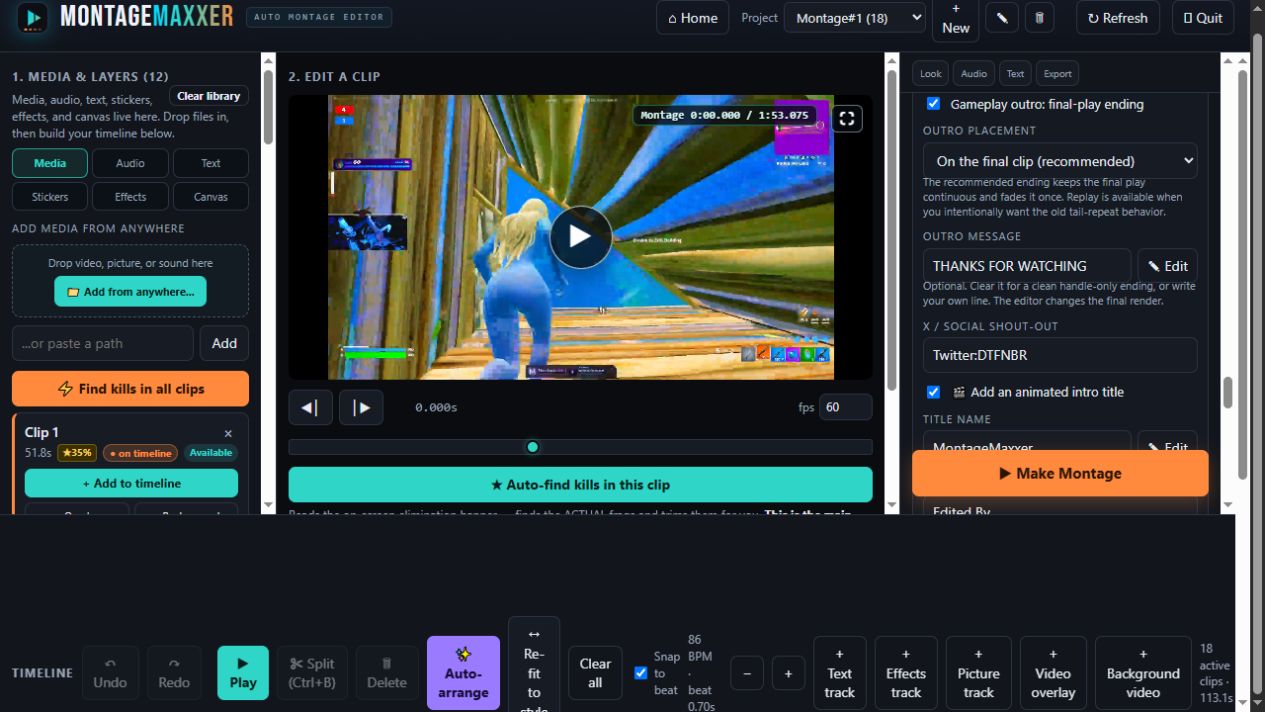
Place the words where the cut needs them.
The Text panel keeps the outro message, social shout-out, animated intro title, placement, and edit controls in the same workspace as the video preview.
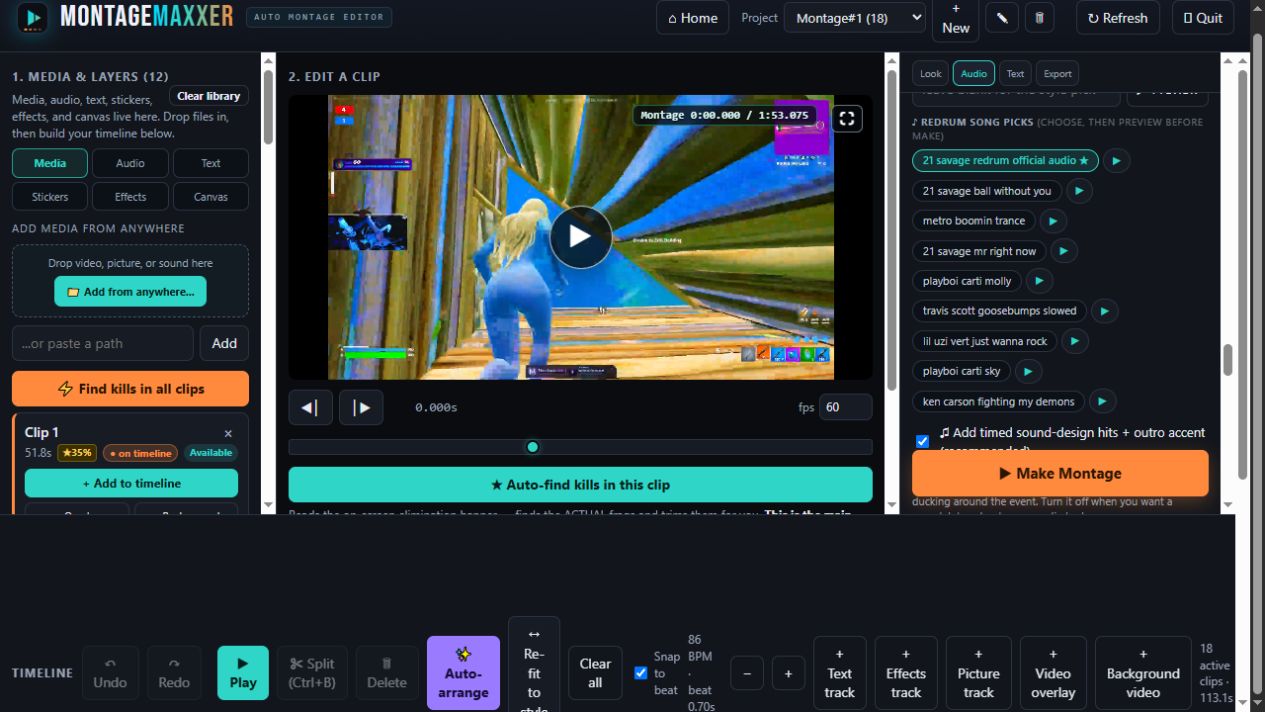
Choose the track, then hear that track.
The Audio panel shows the song picks and their preview buttons. The selected track is part of the montage setup instead of a promise made only in the marketing copy.
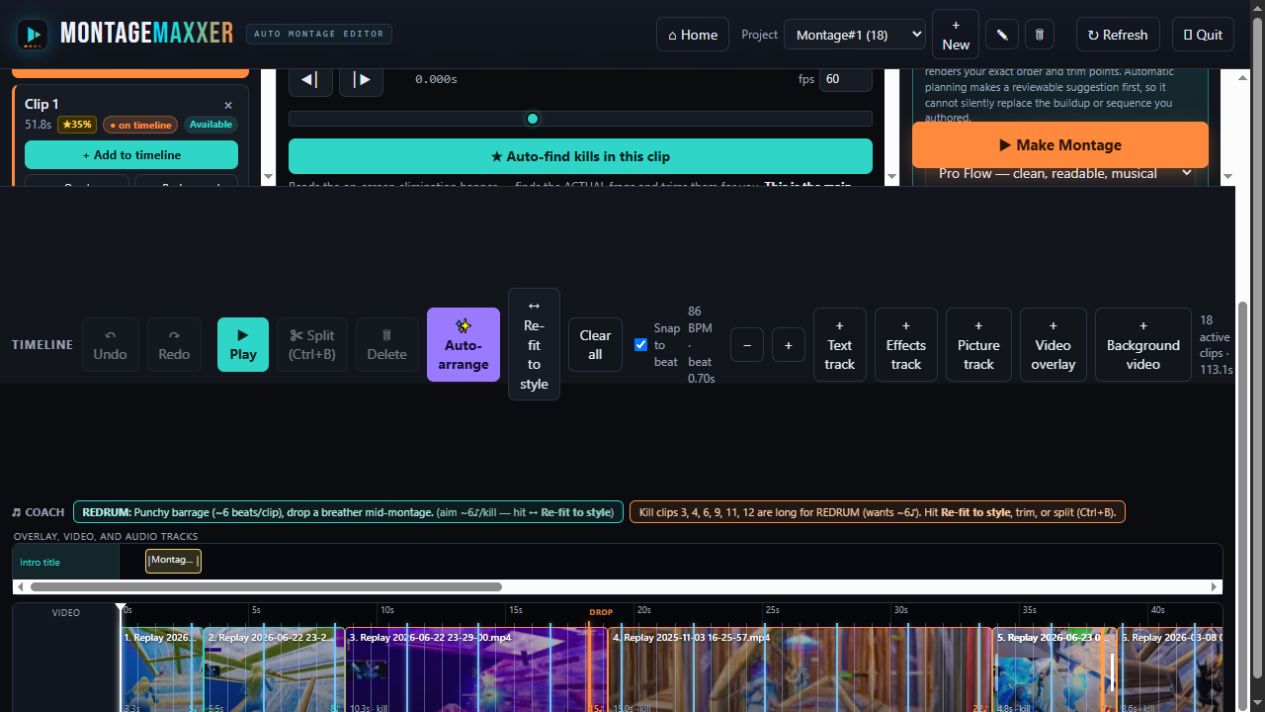
Shape the pacing in the timeline.
The working timeline shows the active clips, beat snap, auto-arrange, re-fit, and track controls. This is where the montage stops being a preset and becomes your cut.
03 · Try the real thing
Ready to move
the title yourself?
Download the beta when you are ready to work locally and render the final cut on your own PC. Your clips stay on that Windows machine by default.